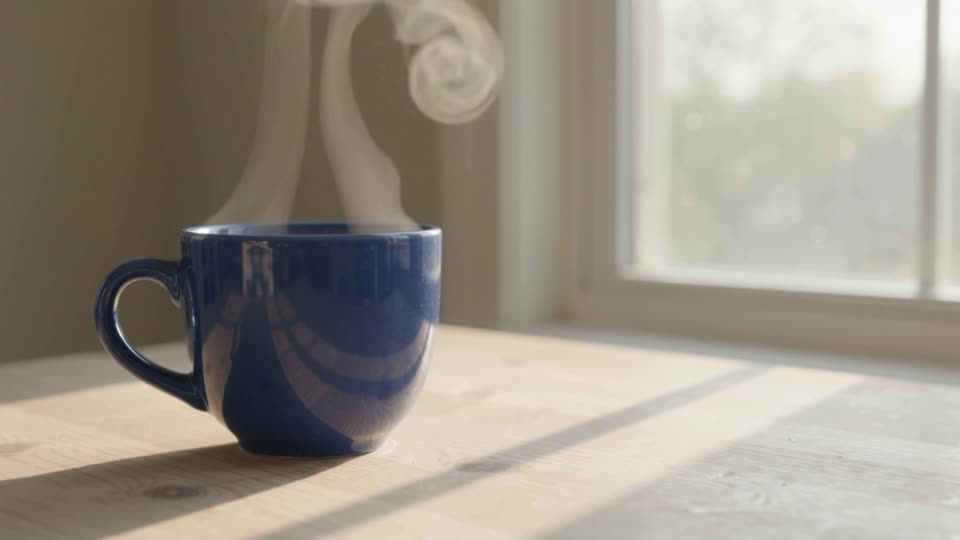
Uma fotografia, um movimento claro
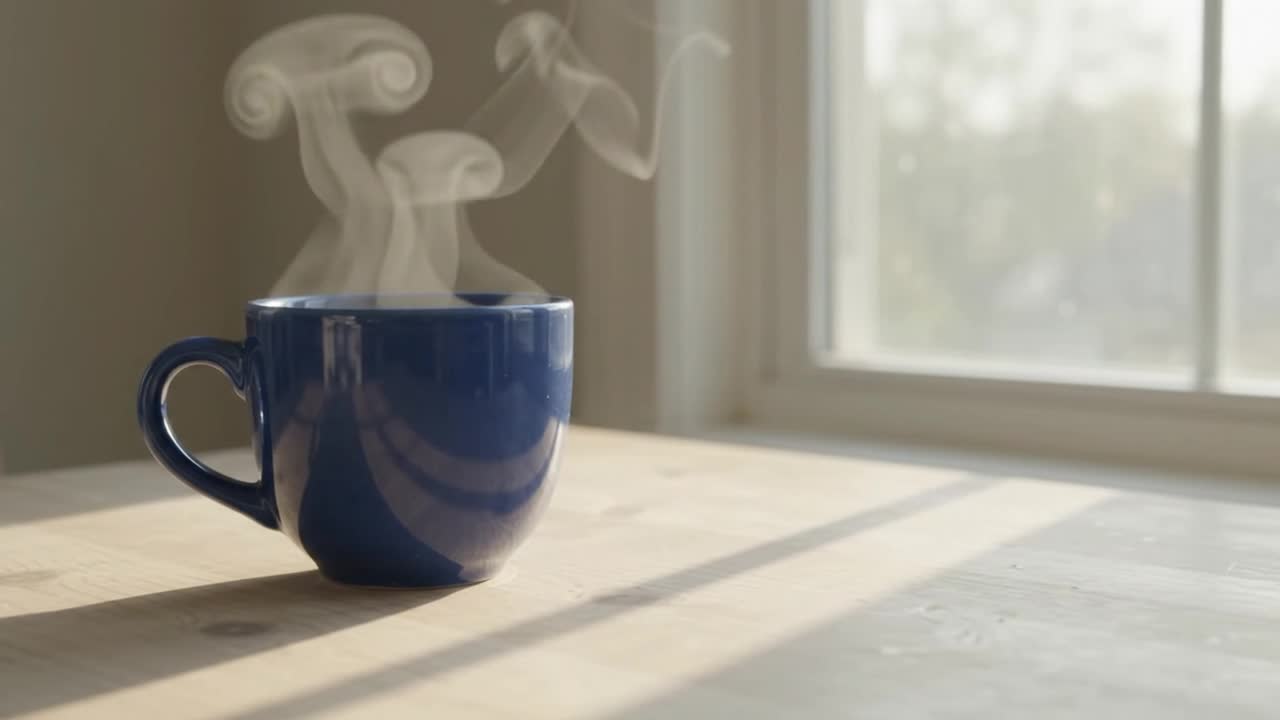
Kling 2.6 · imagem para vídeo · 5 segundos solicitados · áudio gerado desativado. Este exemplo gravado usa uma única fotografia inicial de uma xícara azul.
O que conferir: Compare a xícara, a alça e o fundo com a imagem original. Confira os detalhes do objeto e o movimento antes de usar o vídeo.
Ver o prompt e as configurações originais
A very slow camera push-in toward the cup. Subtle steam rises naturally. Preserve the original cup shape, color, position, table and background. One continuous shot. No added objects, lettering or people.
5s · 1080p · 16:9
Prompt e configuraçõesDê movimento de câmera a uma foto de catálogo
Um push-in e um brilho em movimento transformam a foto parada em vídeo de anúncio.
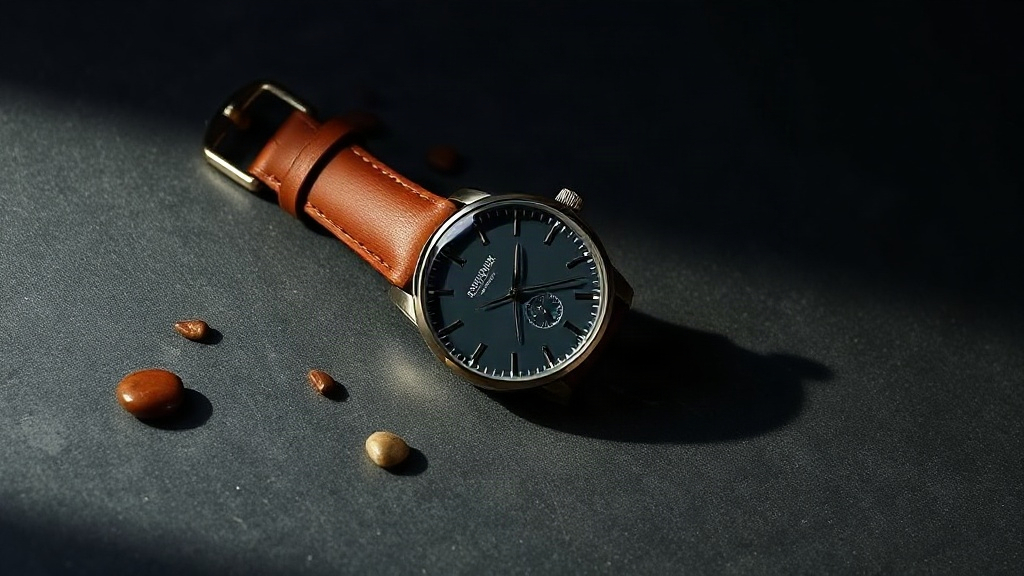
Demonstração de IA criada pela AIVG. Ilustração inicial gerada com Flux Schnell.
O que conferir: Compare marcadores, ponteiros e costura da pulseira no primeiro e no último quadro. Devem ser idênticos — só a luz se move.
Prompt e configurações
The camera slowly pushes in toward the watch while a soft specular highlight sweeps across the glass and the leather strap. The watch stays completely still. The product keeps its exact shape, color, count and proportions from the photo. Nothing is added or removed. No text appears.
5s · 1080p · 16:9 · áudio gerado desligado
Iniciar novo rascunho com esta receitaOrbite o produto sem girá-lo
Um arco curto parece um giro de produto, sem que o item saia do campo visível.
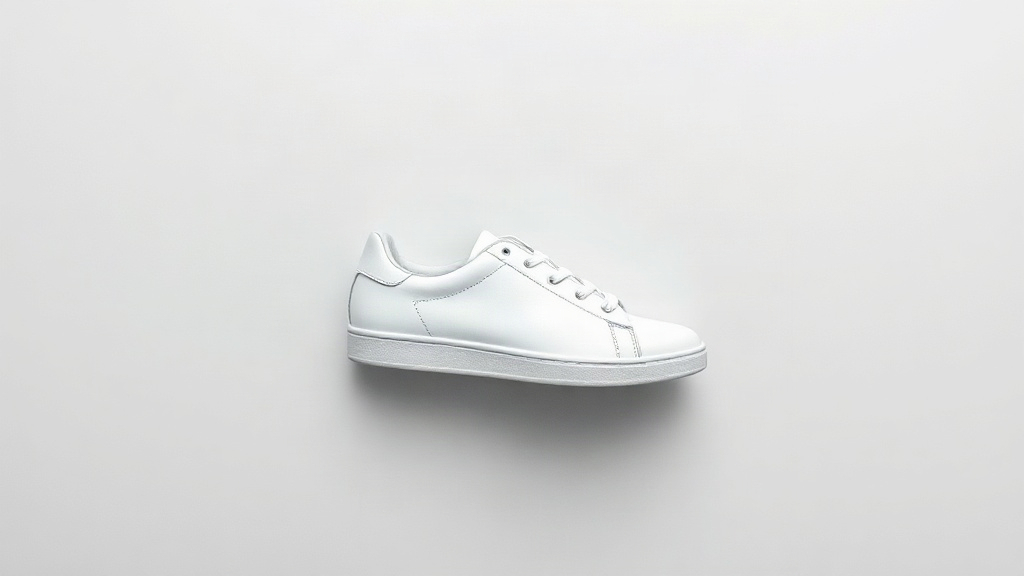
O que conferir: Observe os cadarços e a costura da sola. Pedir para girar além da borda faz o modelo inventar o lado que nunca viu.
Prompt e configurações
Slow cinematic camera orbit of about 20 degrees around the shoe while a soft highlight travels across the leather. The shoe itself does not move or rotate. The product keeps its exact shape, color, count and proportions from the photo. Nothing is added or removed. No text appears.
5s · 1080p · 16:9
Prompt e configuraçõesMantenha em branco um rótulo em branco
A luz percorre o frasco enquanto a embalagem permanece como foi fotografada.
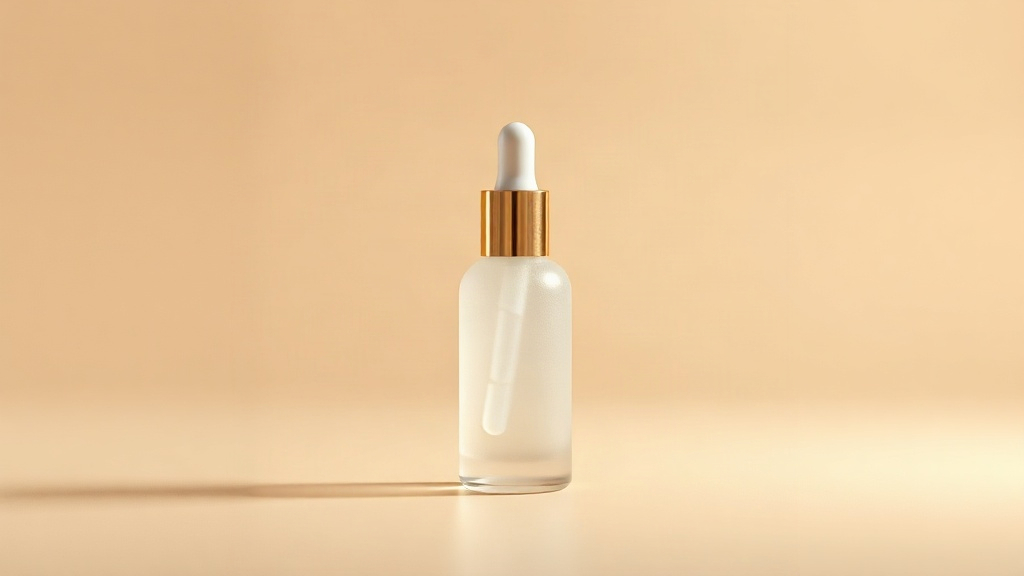
O que conferir: Amplie a frente do frasco no fim do clipe. Qualquer letra que não estava na sua foto foi inventada.
Prompt e configurações
Camera slowly pushes in toward the bottle while a soft studio highlight sweeps across the frosted glass surface; the bottle stays still and unchanged; no text, no letters, no label, no writing appears anywhere; product shape, color and cap remain exactly as in the photo.
5s · 1080p · 16:9
Prompt e configuraçõesDeixe o tecido se mover
Tecido é a categoria em que movimento já é esperado, então a peça ganha mais com isso.
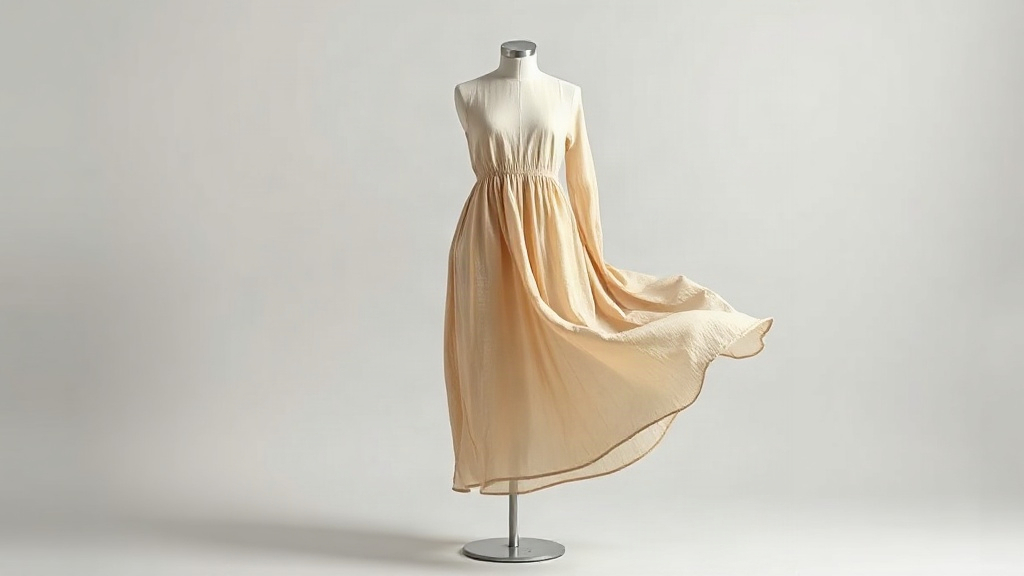
O que conferir: Confira a barra e o decote contra sua foto. O caimento pode mudar; corte, comprimento e cor não.
Prompt e configurações
The linen fabric sways gently as if in a light breeze, soft folds shift naturally, slow camera push-in. The product keeps its exact shape, color, count and proportions from the photo. Nothing is added or removed. No text appears.
5s · 1080p · 16:9
Prompt e configuraçõesEscolha o que sua imagem deve controlar
- Quadro inicial
- Uma imagem inicial define o visual de abertura. Descreva o movimento desejado.
- Quadro final
- Quando o modelo oferece suporte, uma segunda imagem opcional orienta a composição final. Seedance 2.0 e 2.5 oferecem esse campo atualmente. Confira a transição e o quadro final.
- Imagens de referência
- Use de 1 a 9 imagens com o Seedance 2.0 Fast Reference para orientar um personagem, objeto ou estilo. Essas referências não fixam o quadro inicial.
- Controles de câmera
- Use os controles de câmera dedicados do H3 para definir trajetórias compatíveis. O movimento gerado pode ser diferente da trajetória solicitada.
Limites dos arquivos
Imagens iniciais e finais: JPG, PNG ou WebP, com até 10 MiB e no mínimo 300 × 300 pixels. Siga qualquer requisito mais restrito exibido pelo modelo selecionado.
Como animar sua imagem
Escolha um modelo e uma imagem
Selecione um modelo disponível e envie ou reutilize uma imagem inicial.
Descreva um movimento
Mantenha a primeira cena simples. Descreva o movimento e os detalhes que devem continuar reconhecíveis.
Gere e confira
Confira a cotação, envie a tarefa e compare o vídeo com a imagem original. Reutilize as entradas para refinar outra tomada.
Antes de gerar
O que acontece se meus créditos forem insuficientes?
A caixa de créditos mostra o valor necessário, o saldo e a diferença. Adicione créditos ou consulte os planos, depois volte e confirme uma nova cotação. Comprar créditos não inicia uma geração.
Uma imagem final garante uma correspondência exata?
Confira a transição e a composição final. A imagem final serve como orientação, não como garantia de correspondência exata. O exemplo da xícara azul usa apenas um quadro inicial.
Como continuar depois de obter um resultado?
Reproduza e confira o resultado nas suas criações. Reutilize as entradas em outra tomada ou escolha o resultado como fonte para editar um vídeo.