Gemini Omni 1.1 Flash

Gemini Omni 1.1 Flash 支持3–10秒视频、360p–4k、16:9/9:16;生成音频支持;尾帧支持。

3秒 · 18积分

文生视频图生视频3–10秒360p–4k16:9/9:16生成音频: 支持

交付样本不足,暂不展示耗时。

Gemini Omni 1.1 Flash 支持3–10秒视频、360p–4k、16:9/9:16;生成音频支持;尾帧支持。

English · Model overview

What can you do with Gemini Omni 1.1 Flash?

Gemini Omni 1.1 Flash turns text or an image into a short video and accepts written instructions to edit a selected video. On AIVG, generation starts here and continues in the workspace, where you can compare results, preserve the original and branch into new versions.

Updated 2026-09-05 · AIVG product team

Model documentation: Google model specifications · Google video generation and editing guide

Gemini Omni 1.1 Flash 提示词与练习

从这些练习开始,再检查每次生成的实际结果。未录制的示例仅展示提示词,不代表模型输出。

English · Prompt recipe

Create a product shot from text

Start with one object and one camera movement so you can judge motion and shape clearly.

这条练习的视频位置
示例待录制

720p · 5s · 16:9

输入:Text prompt only.

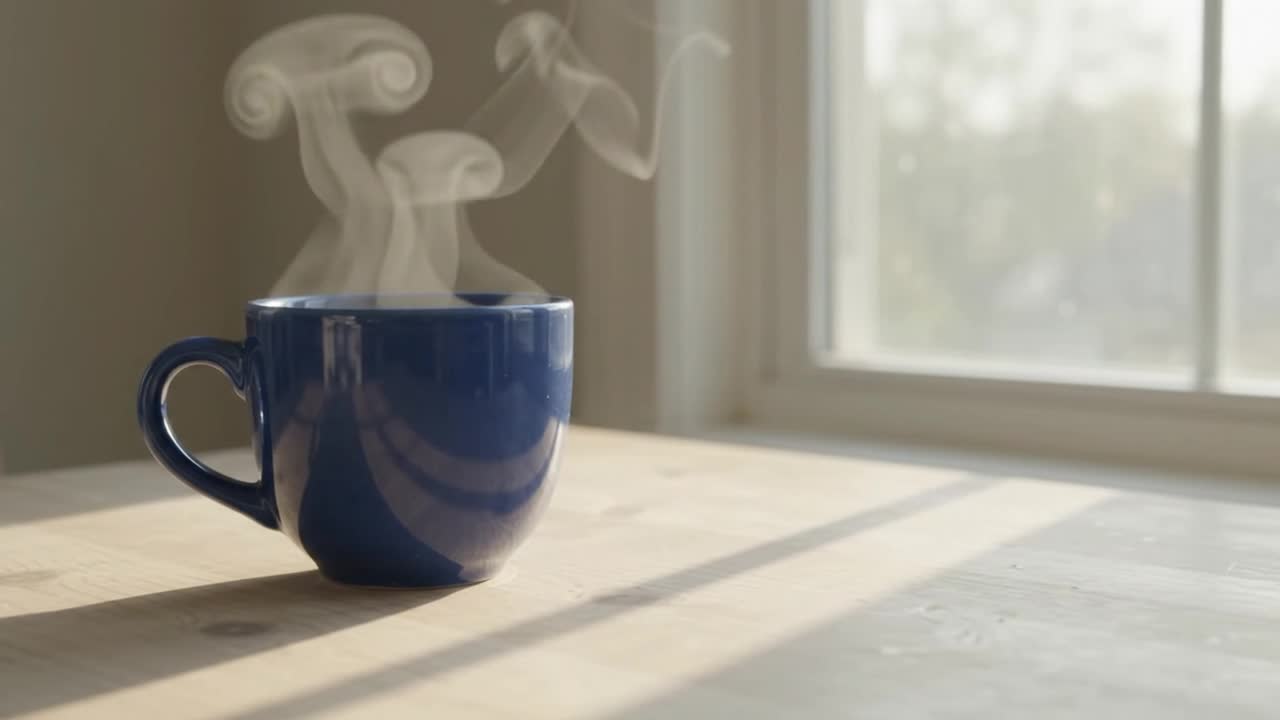
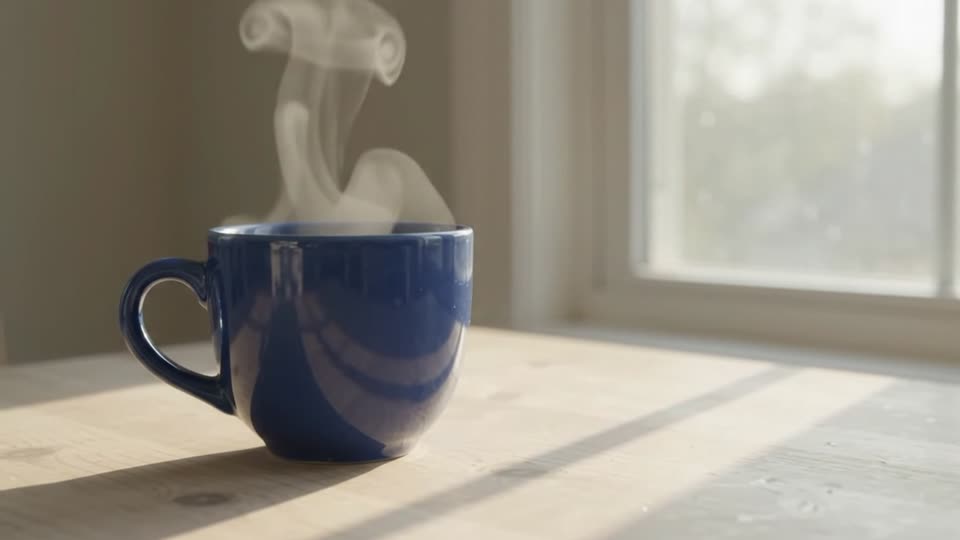
A plain cobalt blue ceramic cup rests on a pale wooden table beside a window. Soft morning light, gentle steam rising, one slow camera push-in. No people, no lettering, no logos. Keep the cup shape and tabletop stable. Natural room ambience.

检查:Check the handle, rim, steam and camera movement across the whole clip.

English · Prompt recipe

Change one object’s color

Select the first take in your workspace and ask for one visible change.

源视频与编辑后版本的对比位置
示例待录制

720p · 5s · 16:9 · 编辑报价依据实测源视频时长

输入:The completed cup video from the first recipe.

Change only the ceramic cup from cobalt blue to warm terracotta orange. Preserve the cup shape, camera movement, table, window light, steam and background. Keep everything else the same.

检查:Compare the original and edit at the beginning, middle and end. Look for unwanted changes outside the cup.

查看源视频练习

English · Prompt recipe

Change the lighting in a video

Branch from the original take to compare a second creative direction.

源视频与编辑后版本的对比位置
示例待录制

720p · 5s · 16:9 · 编辑报价依据实测源视频时长

输入:Select the original blue-cup video again, rather than the color edit.

Change the window light to soft golden-hour evening light with longer warm shadows. Preserve the cobalt blue cup, table, steam, framing and original camera motion. Do not add objects or text.

检查:Check that the light changes while the cup stays blue and the shot keeps its framing.

查看源视频练习

English · Prompt recipe

Restyle an existing video

Explore a new look while keeping the source shot as the reference.

源视频与编辑后版本的对比位置
示例待录制

720p · 5s · 16:9 · 编辑报价依据实测源视频时长

输入:The completed original cup video.

Restyle this shot as a delicate watercolor animation on textured paper. Keep the cup, steam, tabletop, composition, timing and camera path recognizable. Use soft blue and warm neutral washes. No added lettering or objects.

检查:Judge style separately from preservation: note any altered cup geometry or new objects.

查看源视频练习

English · Prompt recipe

Animate a product photograph

Use a photograph you own to test image-to-video consistency.

这条练习的视频位置
示例待录制

720p · 5s · 9:16

输入:Upload your own clear photograph of a plain cup or another product; a vertical crop works well for this recipe.

Animate this product photograph with a very slow camera push-in and subtle natural changes in the window light. Preserve the product shape, color, placement and background. Keep the shot calm and continuous. Do not add people, lettering or extra objects.

检查:Compare the first frame with the photograph, then inspect shape and background drift.

English · Prompt recipe

Plan a draft and a higher-resolution take

Try composition at 360p, then generate a separate higher-resolution take after reviewing it.

这条练习的视频位置
示例待录制

360p · 3s · 16:9

输入:Start at 360p and 3 seconds. After review, reuse the inputs and choose 1080p or 4K.

A small glass vase with three white flowers on a dark wooden desk. Soft side light and gentle movement in the petals. A locked camera, one continuous close-up, quiet room ambience. No text, no people and no additional objects.

检查:The higher-resolution take is a new generation, so compare composition and motion as well as detail.

01能力

支持的控件

公开样例和适用边界仍在完善。

时长
3秒 / 4秒 / 5秒 / 6秒 / 7秒 / 8秒 / 9秒 / 10秒
分辨率
360p / 720p / 1080p / 4k
宽高比
16:9 / 9:16
生成音频
支持
尾帧(image tail)
不可用
随机种子
不可用
负向提示词
不可用
最近验证
Sep 6, 2026 · Current

适合的场景

  • Write an instruction to edit a selected completed video.
  • Generate from text or a starting image; an optional ending image is supported for image-to-video.
  • Choose a lower-resolution draft before spending on a higher-resolution new take.

生成前须知

  • This page uses Gemini Omni 1.1 Flash. New video generation is 3–10 seconds.
  • Editing currently starts from one completed AIVG video no longer than 10 seconds. External video upload and audio reference inputs are not offered here.
  • Output preservation varies. Review each edit; unchanged objects, lettering and precise motion are not guaranteed.
  • The uploaded-video editing route has regional restrictions, including the EEA, Switzerland and the UK. A request may be declined by the model service.

AIVG 不提供 API、无限积分或去水印服务;官方账号事务请前往 Google。

02相关模型

对比相近模型

模型基线积分最高分辨率最长时长原生音频模式
Gemini Omni 1.1 Flash100 积分 · 720p / 5s4k10支持文生视频 / 图生视频
Kling 2.6100 积分 · 1080p / 5s由模型决定10支持文生视频 / 图生视频
MiniMax H3100 积分 · 2K / 5s4K15支持文生视频 / 图生视频
Pika 2.2100 积分 · 720p / 5s1080p5不可用文生视频

查看完整 AI 视频成本表

03使用步骤

如何使用 Gemini Omni 1.1 Flash 生成

  1. 01

    选择模式

    模型支持时可选择文本或图片输入。

  2. 02

    描述镜头

    填写提示词,并在需要时添加起始图片。

  3. 03

    核对报价

    查看精确报价,然后开始生成。

04

常见问题

生成的视频可以商用吗?

商业使用遵循各模型自己的条款——发布前请确认。

导出的视频会有水印吗?

水印与导出权限取决于你的套餐和所选模型。

生成失败后积分怎么处理?

生成任务进入失败状态后,该任务扣除的积分会退回余额。

何时能看到精确积分报价?

每次生成前给出精确报价。

What is Gemini Omni Flash?English

Gemini Omni Flash is Google’s video generation and editing model. AIVG uses version 1.1 for text-to-video, image-to-video and instruction-based edits of selected completed videos.

Is Gemini Omni free to try?English

Check the free-trial guide for the current new-account allowance. The exact quote shows whether your balance covers the selected run.

How much does Gemini Omni cost on AIVG?English

The quote changes with resolution and duration. See the exact credit amount before submitting. Editing uses the measured source duration rounded up to a whole second, subject to the minimum shown by the quote.

Can I edit the video I just generated?English

Yes. Open the completed result in the workspace and select Edit this video. The new version records which result it came from. You can return to an earlier version to try a different edit.

Does AIVG support every Google Omni input?English

This module supports text, a starting image, an optional ending image, and one completed AIVG video as an editing source. Audio references, multiple reference videos and general external video upload are not available in this module.

Is Gemini Omni the same as Veo?English

Google documents Gemini Omni and Veo as separate model products. On AIVG, Omni adds an editing operation for a selected result. The Veo pages describe the available Veo generation configurations.

Does AIVG expose a Gemini Omni API?English

This page is AIVG’s browser workspace. Developer API details are available from Google and supported providers; this page does not promise an AIVG public Omni API.

现在就用 Gemini Omni 1.1 Flash 开始生成

每次生成前给出精确报价。