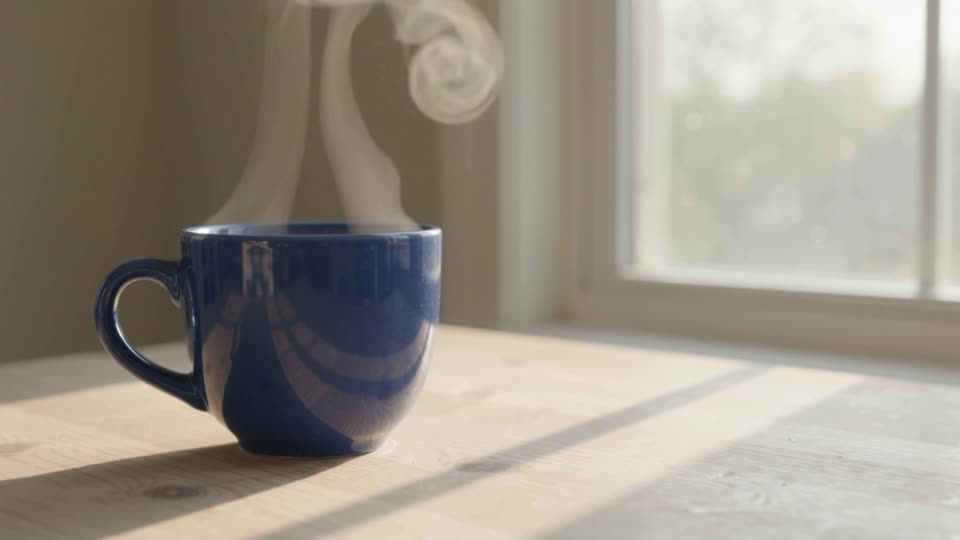
Una fotografía, un movimiento claro
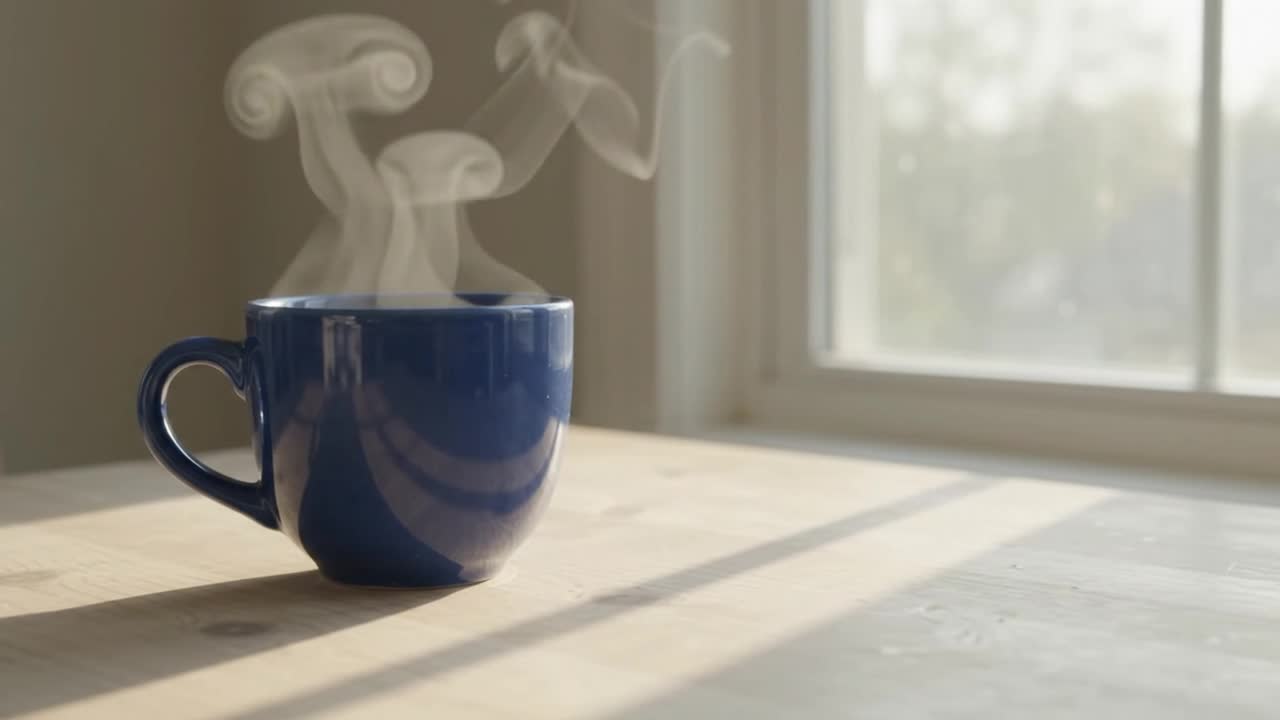
Kling 2.6 · imagen a vídeo · 5 segundos solicitados · audio generado desactivado. Este ejemplo grabado usa una sola fotografía inicial de una taza azul.
Qué revisar: Compara la taza, el asa y el fondo con la imagen original. Revisa los detalles del objeto y el movimiento antes de usar el vídeo.
Ver el prompt y los ajustes originales
A very slow camera push-in toward the cup. Subtle steam rises naturally. Preserve the original cup shape, color, position, table and background. One continuous shot. No added objects, lettering or people.
5s · 1080p · 16:9
Prompt y ajustesDa movimiento de cámara a una foto de catálogo
Un push-in y un brillo en movimiento convierten la foto fija en vídeo de ficha.
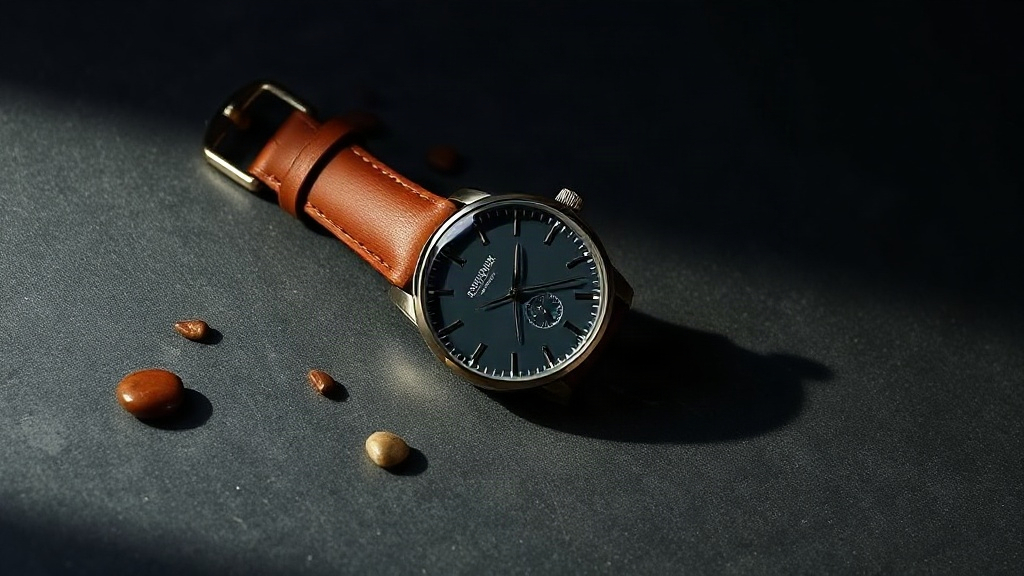
Demostración de IA creada por AIVG. Ilustración inicial generada con Flux Schnell.
Qué revisar: Compara índices, agujas y costura de la correa en el primer y último fotograma. Deben ser idénticos: solo se mueve la luz.
Prompt y ajustes
The camera slowly pushes in toward the watch while a soft specular highlight sweeps across the glass and the leather strap. The watch stays completely still. The product keeps its exact shape, color, count and proportions from the photo. Nothing is added or removed. No text appears.
5s · 1080p · 16:9 · audio generado desactivado
Iniciar un borrador con esta recetaOrbita el producto sin girarlo
Un arco corto se lee como un giro de producto sin que el artículo salga de lo visible.
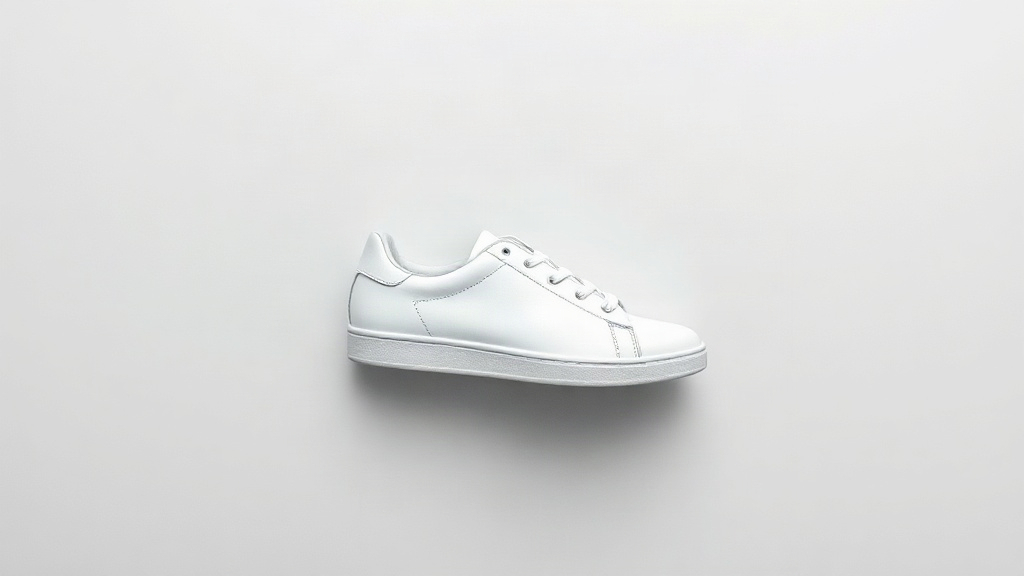
Qué revisar: Fíjate en los cordones y la costura de la suela. Girar el producto más allá de su borde obliga al modelo a inventar la cara que no vio.
Prompt y ajustes
Slow cinematic camera orbit of about 20 degrees around the shoe while a soft highlight travels across the leather. The shoe itself does not move or rotate. The product keeps its exact shape, color, count and proportions from the photo. Nothing is added or removed. No text appears.
5s · 1080p · 16:9
Prompt y ajustesQue una etiqueta en blanco siga en blanco
La luz recorre el frasco mientras el envase queda igual que en la foto.
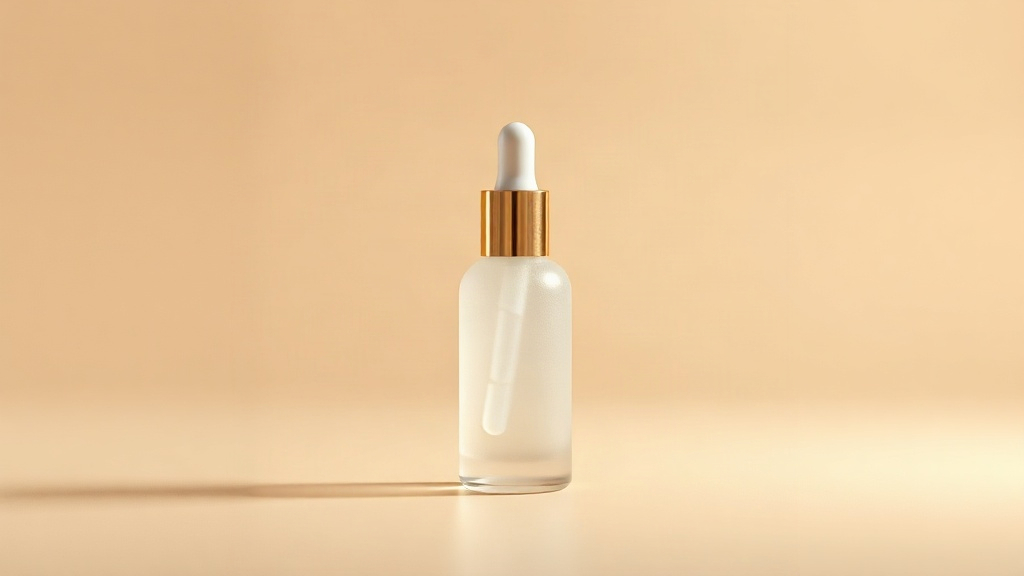
Qué revisar: Amplía el frente del frasco al final del clip. Cualquier letra que no estuviera en tu foto es inventada.
Prompt y ajustes
Camera slowly pushes in toward the bottle while a soft studio highlight sweeps across the frosted glass surface; the bottle stays still and unchanged; no text, no letters, no label, no writing appears anywhere; product shape, color and cap remain exactly as in the photo.
5s · 1080p · 16:9
Prompt y ajustesDeja que la tela se mueva
La tela es la categoría donde el movimiento ya se espera, así que la prenda es la que más gana.
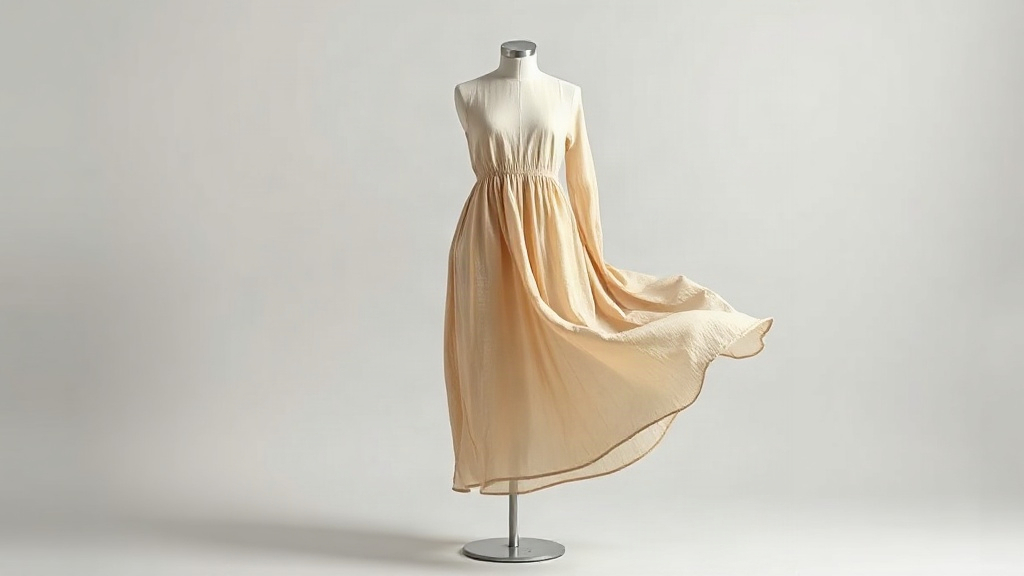
Qué revisar: Compara el bajo y el escote con tu foto. La caída puede cambiar; el corte, el largo y el color no.
Prompt y ajustes
The linen fabric sways gently as if in a light breeze, soft folds shift naturally, slow camera push-in. The product keeps its exact shape, color, count and proportions from the photo. Nothing is added or removed. No text appears.
5s · 1080p · 16:9
Prompt y ajustesElige qué debe controlar tu imagen
- Fotograma inicial
- Una imagen inicial establece el aspecto de apertura. Describe el movimiento que quieres.
- Fotograma final
- Cuando el modelo lo admite, una segunda imagen opcional guía la composición final. Seedance 2.0 y 2.5 ofrecen actualmente este campo. Revisa la transición y el fotograma final.
- Imágenes de referencia
- Usa de 1 a 9 imágenes con Seedance 2.0 Fast Reference para guiar un sujeto o estilo. Estas referencias no fijan el fotograma inicial.
- Controles de cámara
- Usa los controles de cámara específicos de H3 para definir trayectorias compatibles. El movimiento generado puede diferir de la trayectoria solicitada.
Límites de los archivos
Imágenes iniciales y finales: JPG, PNG o WebP, hasta 10 MiB y con un mínimo de 300 × 300 píxeles. Sigue cualquier requisito más estricto que muestre el modelo seleccionado.
Cómo animar tu imagen
Elige un modelo y una imagen
Selecciona un modelo disponible y sube o reutiliza una imagen inicial.
Describe un movimiento
Mantén sencilla la primera escena. Describe el movimiento y los detalles que quieres conservar reconocibles.
Genera y revisa
Revisa la cotización, envía la tarea y compara el vídeo con el original. Reutiliza las entradas para perfeccionar otra toma.
Antes de generar
¿Qué ocurre si no tengo suficientes créditos?
El cuadro de créditos muestra el importe necesario, el saldo y la diferencia. Añade créditos o consulta los planes, vuelve y confirma una nueva cotización. Comprar créditos no inicia una generación.
¿Una imagen final garantiza una coincidencia exacta?
Revisa la transición y la composición final. La imagen final sirve de guía, no garantiza una coincidencia exacta. El ejemplo de la taza azul solo usa un fotograma inicial.
¿Cómo continúo después de obtener un resultado?
Reproduce y revisa el resultado en tus creaciones. Reutiliza sus entradas para otra toma o elígelo como fuente para editar vídeo.