Describe or upload
Write a concrete scene prompt, or switch to image-to-video and upload a source image.
Bring your ideas to life with leading video and image models.
Explore tracking shots, synchronized dialogue and multi-shot stories. Open an example to try its creative setup.
PixVerse V6
Kling 3.0
Vidu Q3 Pro
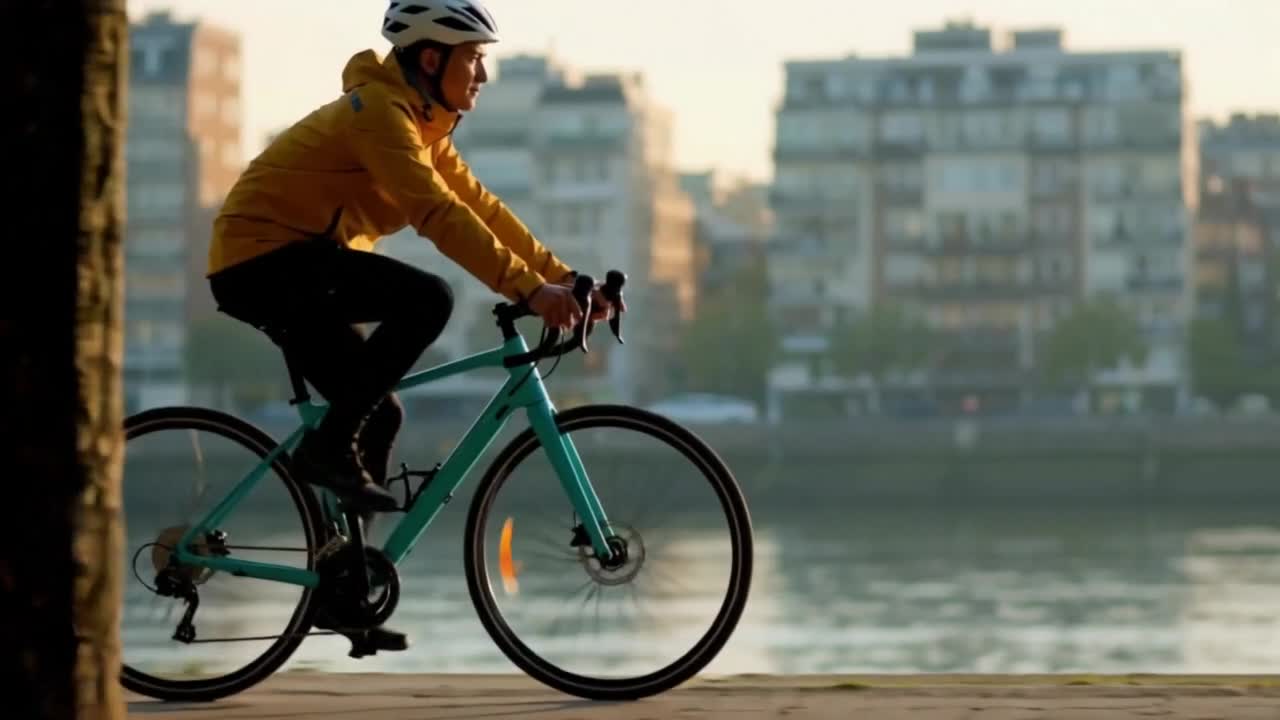
Describe a new scene and choose its motion, framing and duration.

Animate a starting image while guiding the camera and subject.
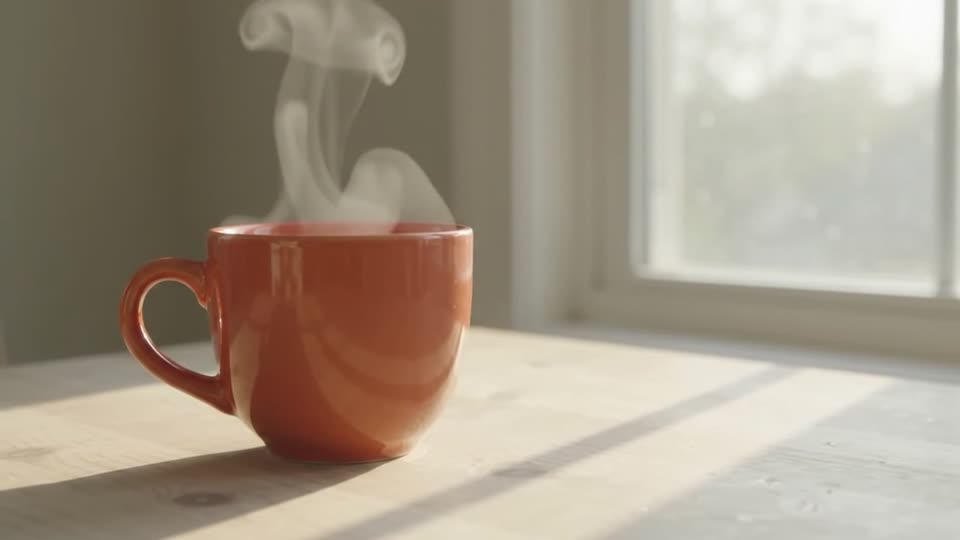
Upload a video and describe what to change in that specific clip.
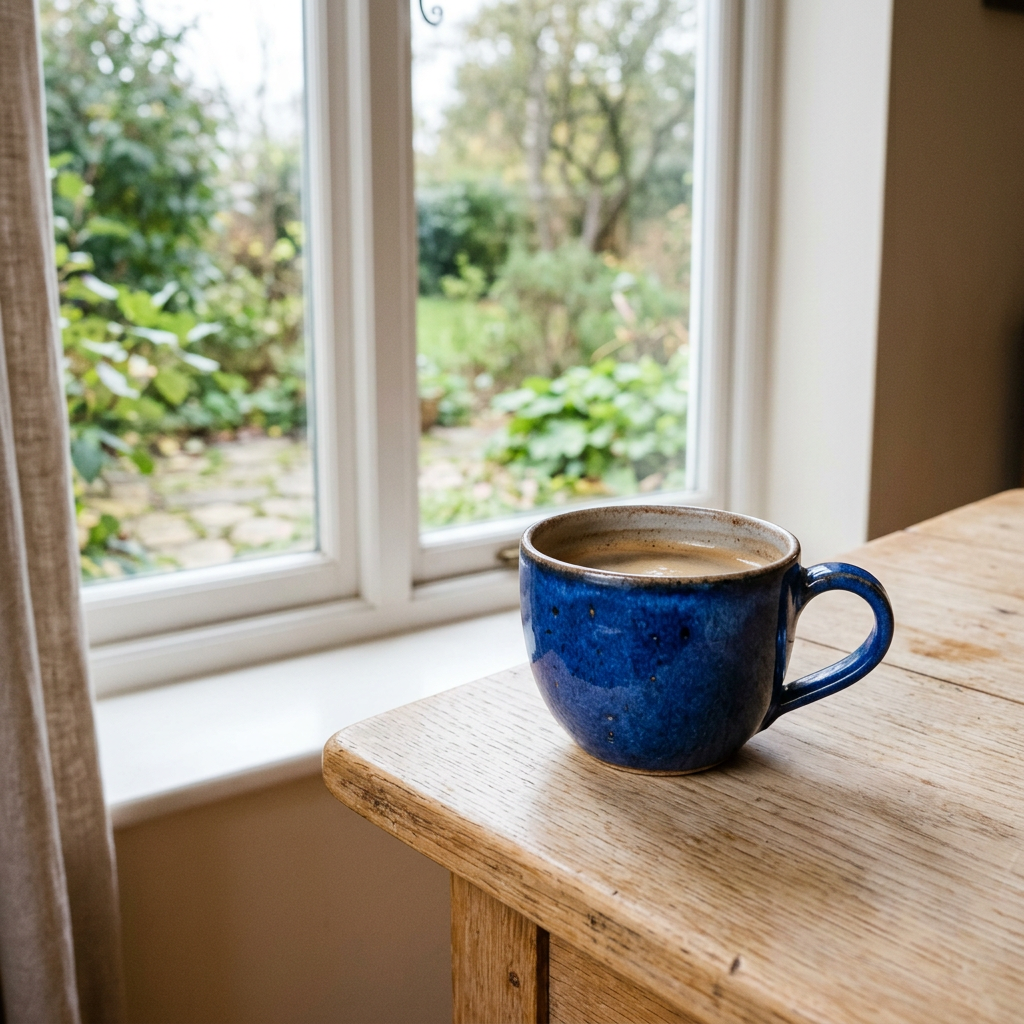
Create a new image from a description, for standalone use or video preparation.

Upload a photo and describe the changes you want to make.
Describe a sound effect, choose its duration and listen to the result.
Change an existing clip with text instructions.
Explore generated audio and starting-image animation.
Describe shot framing, lighting and a short action sequence.
Try expressive characters and a short story with cuts.
Compare available versions and their supported inputs.
Explore video generation with optional audio.
Write a concrete scene prompt, or switch to image-to-video and upload a source image.
Compare supported duration, ratio, resolution and the credit requirement shown in the workbench.
Sign in, run the job, then review and download the completed result from your workspace.
New accounts currently receive 100 starter credits. Whether that covers a complete generation depends on the selected model and settings.
You can inspect the generator and configure a prompt first. An account is required to run and save a generation job.
Runtime varies with the model, resolution, duration and provider queue. AIVG does not promise one fixed completion time.
Usage rights depend on the selected model, provider terms and your plan. Review those terms before publishing or delivering client work.
Start in the text-to-video workbench, or review credit packs before generating.