H3 Max Multi Angle supports 5–15s clips at 480P–1080P; generated audio Not available; end frame Not available.
Capability samples
Test
Keep the subject and surroundings stationary. Move only the camera along the specified path.
First-party test · 2026-09-13 · 5 s · 480P · 45° orbit preset · balanced · 125 credits
45° is the path setting; actual camera movement may vary. The submitted path has three keyframes: 0° → 22.5° → 45°, at the start, middle and end of the 5-second clip. The recorded 125-credit charge belongs to this September 13, 2026 example. Check the current quote for a new request.
Example 480P / 5s: 125 credits, equivalent to $2.4875 USD using the 100-credit / $1.99 USD pack. Credits are purchased in packs; check the exact quote for your settings before generating.
Where it fits
One image with a saved camera path
Orbit, push-in and rise presets
Keyframe timing, orbit angle, elevation and distance
Know before you generate
1080P uses refinement from a native 768P source.
One first image; no end frame, reference-image collection, roll or field-of-view control.
Preview movement is schematic. Check the rendered video for subject consistency and path adherence.
Relative distance uses normalized scene units, not meters.
Service and account details
AIVG does not provide an API, unlimited credits or watermark removal; official account matters go to MiniMax.
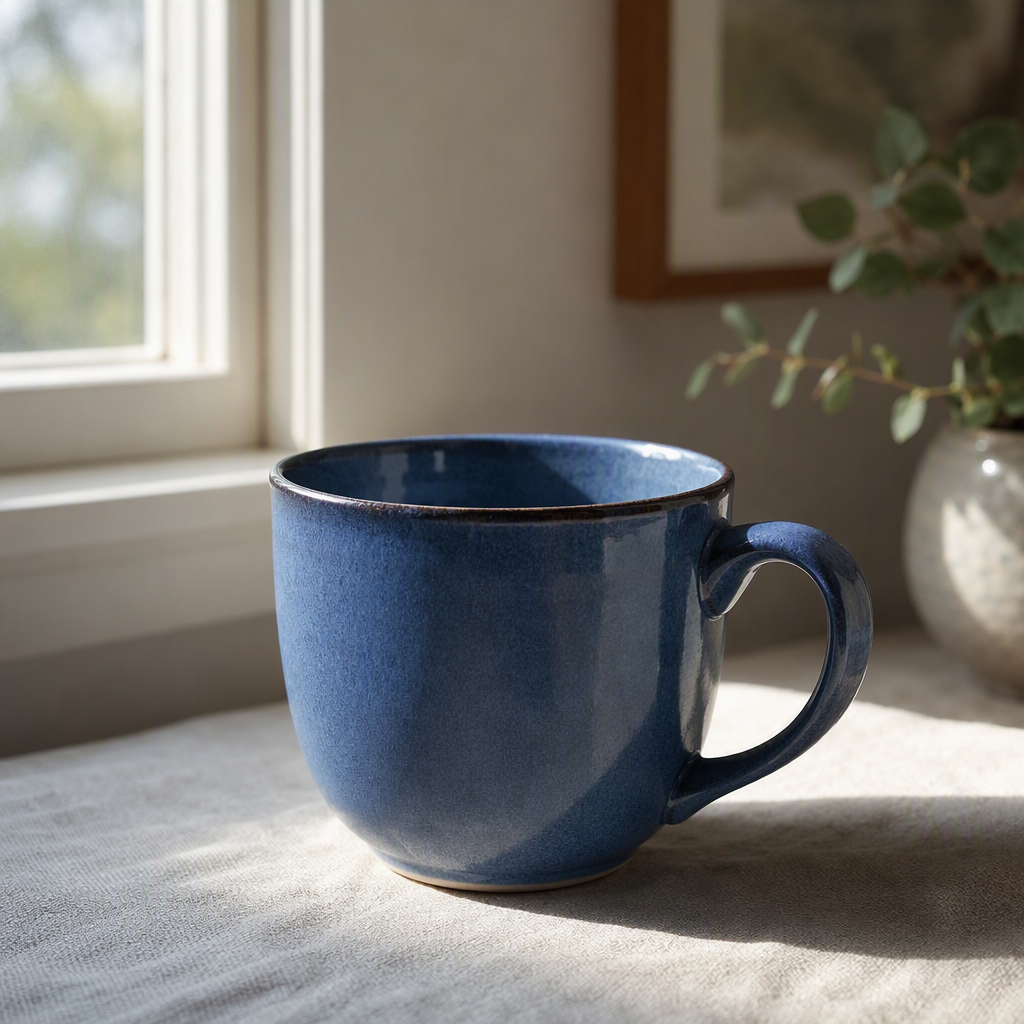
Start with orbit and select your own image from uploads or saved assets. The blue-cup example on this page uses its pictured source image. Set 5 seconds and 480P to follow that example's configuration; a different image will produce a different result.
02
Check the three keyframes
Open Adjust keyframes. At 0, 2.5 and 5 seconds, the orbit angles are 0°, 22.5° and 45°. Keep elevation at 0° and relative distance at 1. The original example used balanced prompt expansion. Its exact prompt is shown with the video. The path preview illustrates settings; it does not predict the result.
03
Review the price, then inspect the result
Check the current quote before generating. Watch the whole result: does the subject stay recognizable, does the background shift as the camera moves, and do edges remain stable? Reuse the saved inputs to change one path setting at a time. Keep the previous result for comparison.
04
FAQ
Can I use the generated video commercially?+
Commercial use follows each model's own terms — confirm them before publishing.
Will the exported video have a watermark?+
Watermark and export permissions depend on your plan and selected model.
What happens to credits when generation fails?+
When a generation job reaches a failed state, the credits charged for it are returned to your balance.
When will I see the exact credit quote?+
Exact quote before every run.
Is Multi Angle different from ordinary H3 image to video?+
Yes. Camera Controls uses a dedicated keyframe trajectory, rather than relying on a motion instruction in the prompt.
How much does it cost?+
The page shows the starting credits for a default video. Select a duration and resolution in the editor to see the exact total before generating. Changing the selection refreshes the quote.
Is a prompt required?+
No. An empty prompt uses the model’s frozen-scene behavior. Optional instructions can describe the desired scene.
Can I edit the path after generation?+
Reuse the result’s inputs to create another version with the same image and path. An existing finished video remains unchanged.
Does 45° mean an exact physical camera angle?+
No. It is the submitted path setting. In the original cup example, the handle view and background change, but the rendered angle has not been physically calibrated. One example does not guarantee the same motion for another image.
Why do the path data use 0, 0.5 and 1?+
They are normalized positions within the clip, not seconds. Multiply a position by the selected duration to get its time in seconds. The worked example above shows the corresponding editor times. Check them again whenever you change duration.
Should I choose camera controls or ordinary image to video?+
Choose camera controls to set a path around one image. Use ordinary image to video for motion described in words. A required final image or several reference images needs a mode that explicitly supports those inputs; this camera mode accepts one first image.