Turn a text prompt or a starting image into a short video, with optional generated audio. Choose your settings and review the credit quote before generating.
Three recorded Kling 2.6 examples
Recorded September 6, 2026. These three examples share a blue-cup scene. The image example uses a starting frame only; it does not test an ending frame.
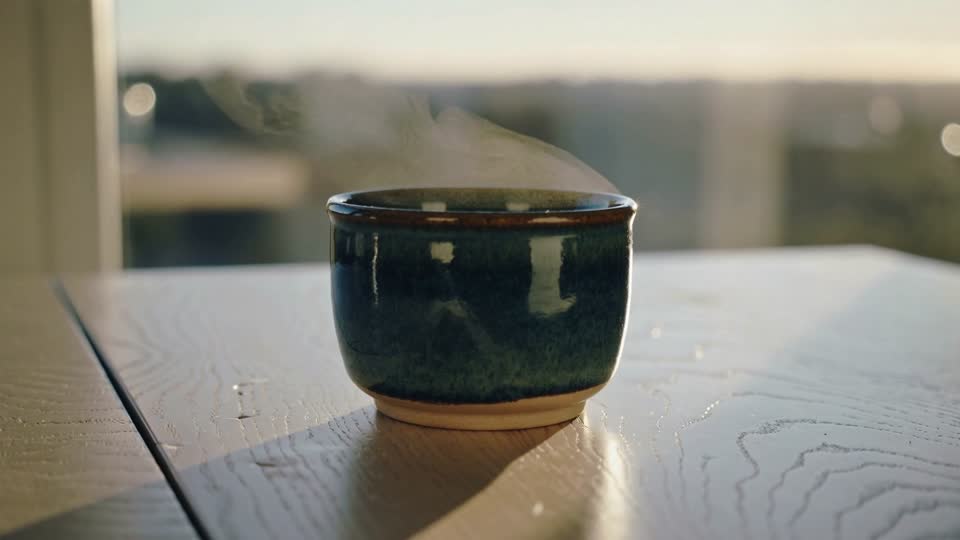
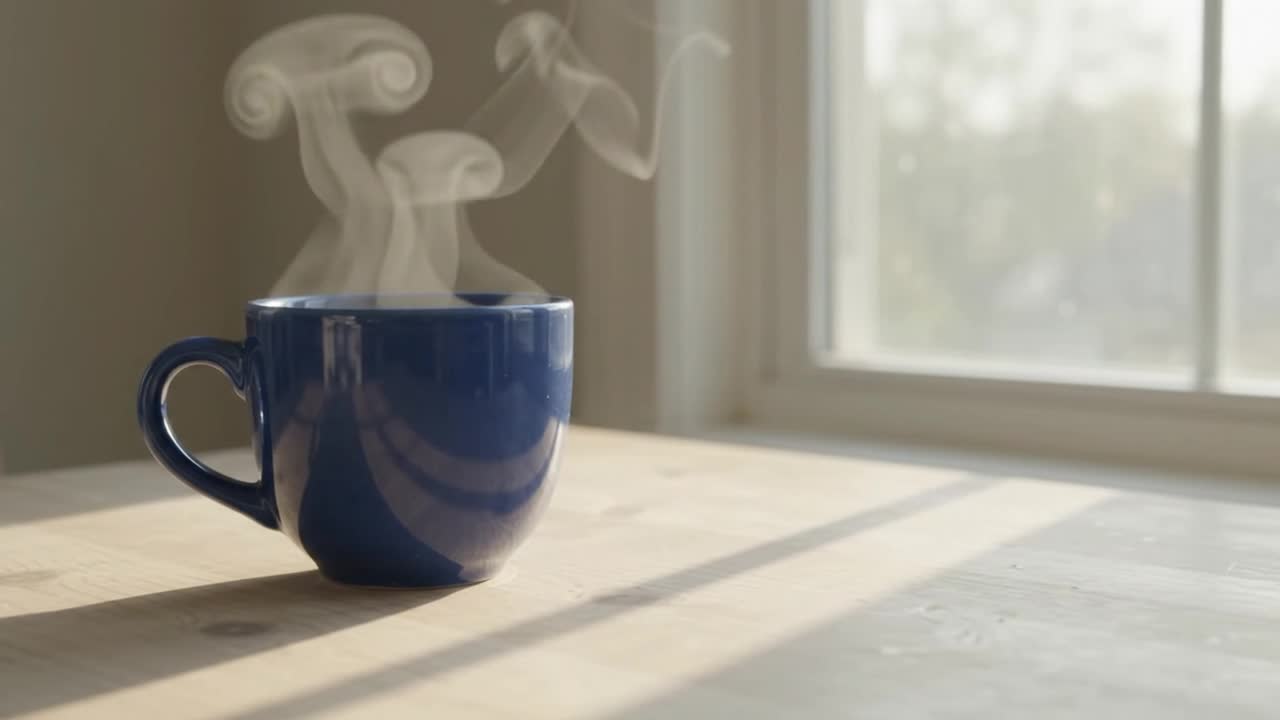
Text to video · 5 seconds requested · generated audio off. Inspect the blue cup, camera movement and object shape.
A plain cobalt blue ceramic cup rests on a pale wooden table beside a window. Soft morning light, gentle steam rising, one slow camera push-in. No people, no lettering, no logos. Keep the cup shape and tabletop stable.
Generated video
AIVG test recording · 5.042s · 2026-09-06
View prompt and settings
1080p · 5s · 16:9
Input: Text prompt only; generated audio off.
What to check: Inspect the cup handle and rim, steam and background across the clip.
A scene with generated sound
Text to video · 5 seconds requested · generated audio on. Review the blue cup by the rainy window and listen to the sound.
A cobalt blue ceramic cup on a wooden windowsill while gentle rain falls outside. A locked camera, one continuous close-up. Quiet indoor ambience and soft rain tapping on the window. No music, no voices, no words or logos.
Generated video
AIVG test recording · 5.042s · 2026-09-06
View prompt and settings
1080p · 5s · 16:9
Input: Text prompt with generated audio on.
What to check: Listen for rain and check whether it matches the visible scene; inspect unwanted speech, music or jumps.
Animate one product photograph
Image to video · one starting image · 5 seconds requested · generated audio off. Compare the cup, handle and background with the original.
A very slow camera push-in toward the cup. Subtle steam rises naturally. Preserve the original cup shape, color, position, table and background. One continuous shot. No added objects, lettering or people.
Starting image
Generated video
AIVG test recording · 5.042s · 2026-09-06
View prompt and settings
1080p · 5s · 16:9
Input: One clear photograph you own; generated audio off.
What to check: Compare the original photograph with the first and final frames, especially the handle and background.
Choose your input and settings
Starting point
A text prompt, or a starting image with an optional motion prompt.
Duration
5 or 10 seconds.
Audio
Generated audio can be turned on or off.
Frame shape
Text to video: 16:9, 9:16 or 1:1. In image-to-video, the frame shape follows the starting image.
Ending image
An optional ending image is available in image mode. The recorded image example tests a starting image only.
Resolution
The current Kling 2.6 creator has no resolution selector.
Credits
Check the live quote for the selected mode, duration and audio setting before submitting.
How to
How to create with Kling 2.6
01
Choose text or an image
Describe a scene, or add a starting image and describe the movement you want.
02
Choose duration and audio
Select 5 or 10 seconds, set generated audio on or off and check the current quote.
03
Generate and review
Submit when the inputs and quote are ready. Review subject details, motion, text and sound before using the clip.
Questions before you generate
How much does Kling 2.6 cost on AIVG?+
The creator displays the current credit quote for the selected mode, duration and audio setting. Review the total before submitting.
Can I use starting and ending images?+
Image mode requires a starting image and offers an optional ending image. Inspect the transition and final frame. The recorded image example on this page uses a starting image only.
Will it keep details and sound exactly as requested?+
Review each result. Product shape, small text, faces, motion and sound timing can vary. The examples do not guarantee the same result for another scene.