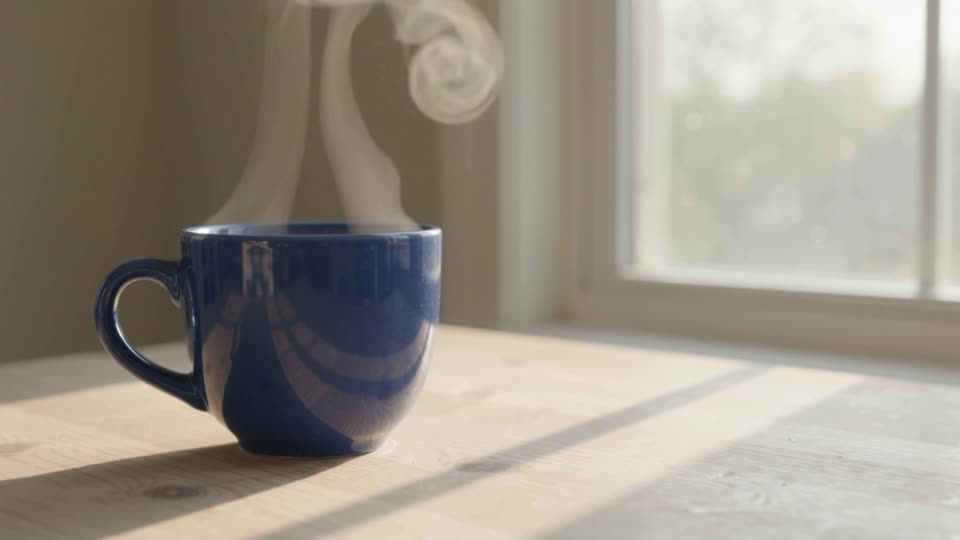
One photograph, one clear movement
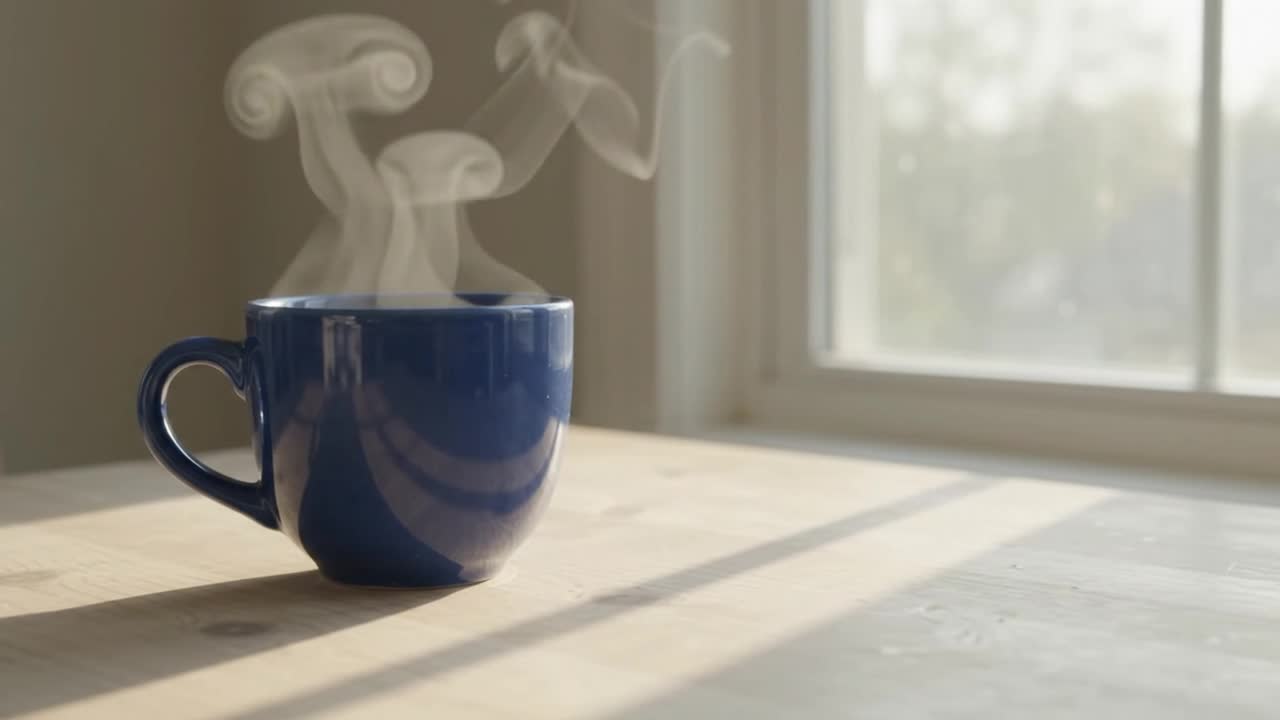
Kling 2.6 · image to video · 5 seconds requested · generated audio off. This recorded example uses one starting photograph of a blue cup.
What to check: Compare the cup, handle and background with the original image. Review object details and movement before using the clip.
View the original prompt and settings
A very slow camera push-in toward the cup. Subtle steam rises naturally. Preserve the original cup shape, color, position, table and background. One continuous shot. No added objects, lettering or people.
5s · 1080p · 16:9
Prompt and settingsGive a catalogue photo a camera move
A push-in and a travelling highlight turn one still product photo into a listing video.
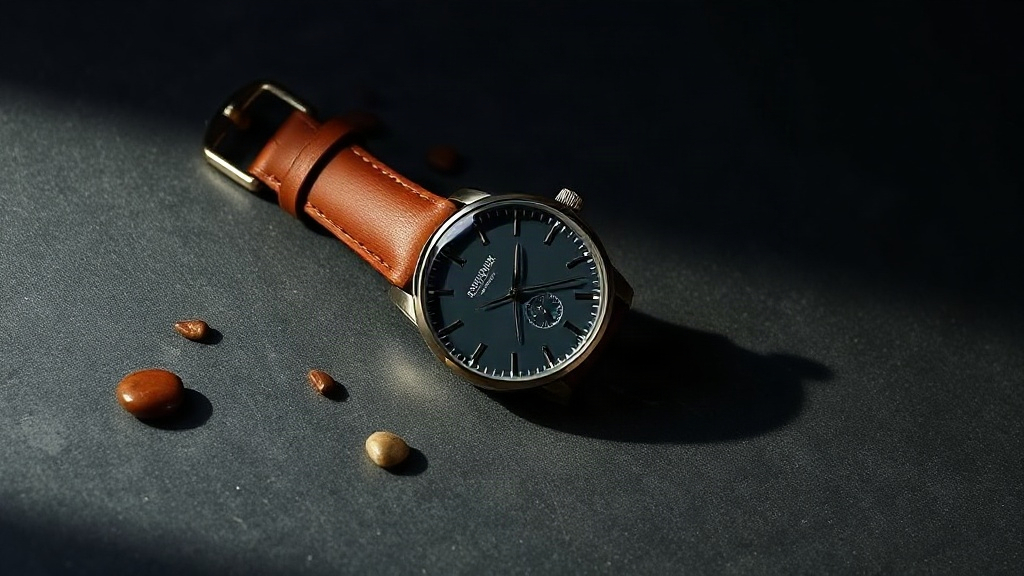
AIVG-made AI demonstration. Starting illustration generated with Flux Schnell.
What to check: Compare the dial markers, hands and strap stitching in the first and last frame. They should be identical — only the light should move.
Prompt and settings
The camera slowly pushes in toward the watch while a soft specular highlight sweeps across the glass and the leather strap. The watch stays completely still. The product keeps its exact shape, color, count and proportions from the photo. Nothing is added or removed. No text appears.
5s · 1080p · 16:9 · generated audio off
Start a new draft with this recipeOrbit a product without turning it
A short arc reads as a product turntable while the item itself never rotates out of view.
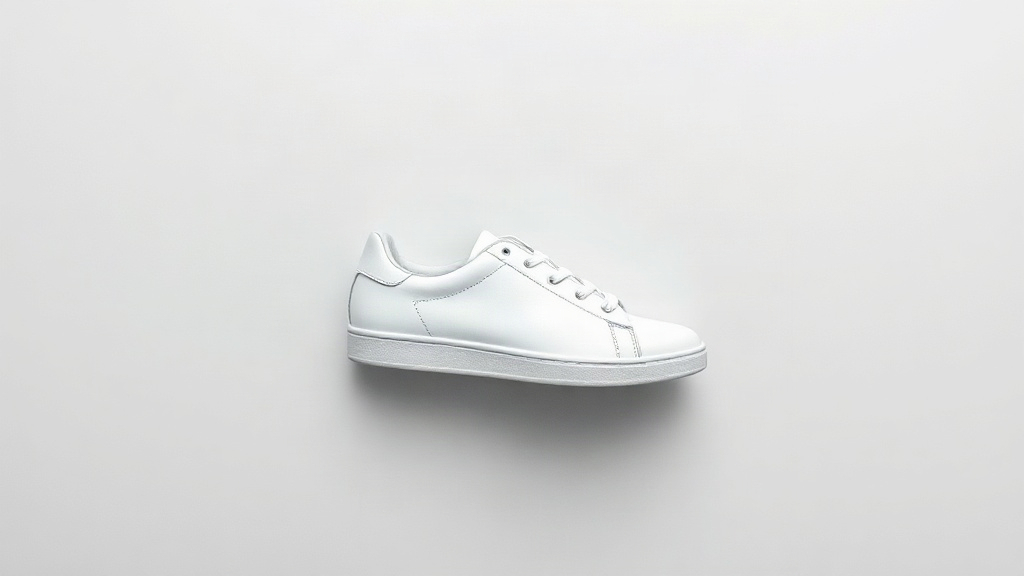
What to check: Watch the laces and the sole stitching. A model asked to spin a product past its own edge invents the side it never saw; a short orbit keeps it honest.
Prompt and settings
Slow cinematic camera orbit of about 20 degrees around the shoe while a soft highlight travels across the leather. The shoe itself does not move or rotate. The product keeps its exact shape, color, count and proportions from the photo. Nothing is added or removed. No text appears.
5s · 1080p · 16:9
Prompt and settingsKeep a blank label blank
Light moves across the bottle while the packaging stays exactly as photographed.
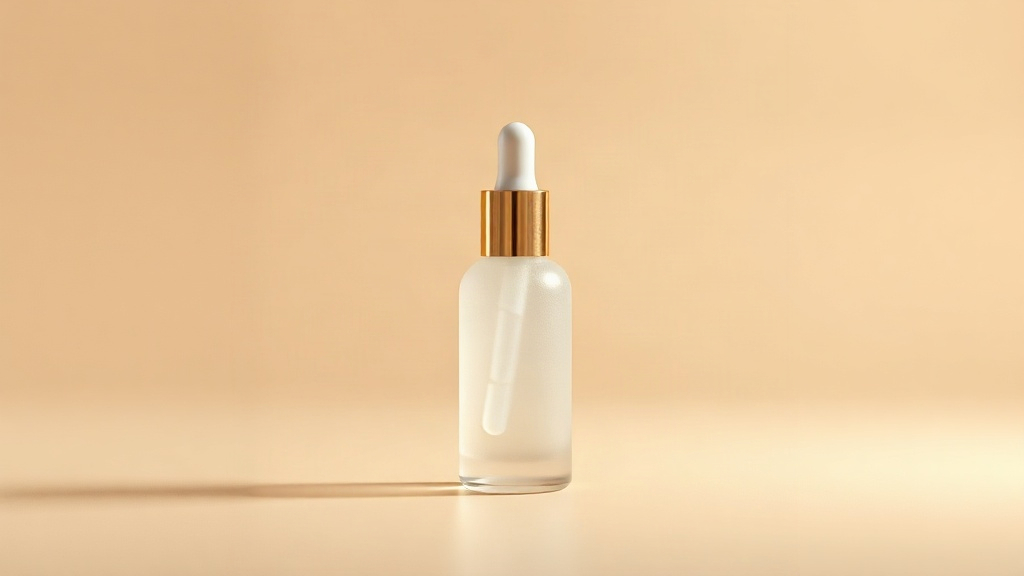
What to check: Zoom into the bottle face at the end of the clip. Any lettering that was not in your photograph is invented, and invented lettering is the failure mode that matters here.
Prompt and settings
Camera slowly pushes in toward the bottle while a soft studio highlight sweeps across the frosted glass surface; the bottle stays still and unchanged; no text, no letters, no label, no writing appears anywhere; product shape, color and cap remain exactly as in the photo.
5s · 1080p · 16:9
Prompt and settingsLet fabric move on a flat-lay
Cloth is the one product category where motion is expected, so a garment still gains the most from it.
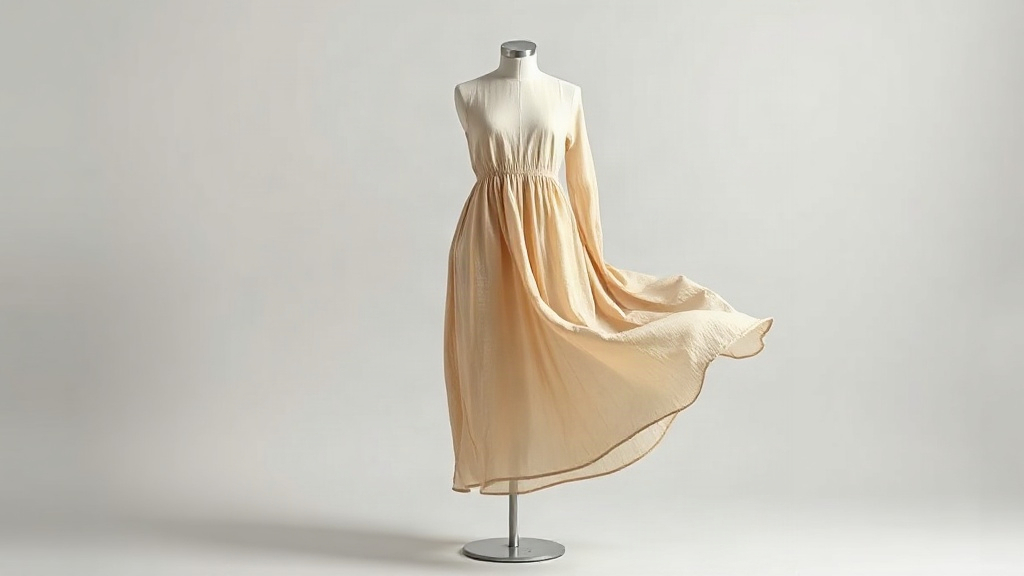
What to check: Check the hem and the neckline against your photograph. Drape may change; the cut, length and colour should not.
Prompt and settings
The linen fabric sways gently as if in a light breeze, soft folds shift naturally, slow camera push-in. The product keeps its exact shape, color, count and proportions from the photo. Nothing is added or removed. No text appears.
5s · 1080p · 16:9
Prompt and settingsChoose what your image should control
- Starting frame
- A starting image establishes the opening visual. Describe the movement you want.
- Ending frame
- An optional second image guides the final composition where the model supports it. Seedance 2.0 and 2.5 currently offer this field. Inspect the transition and final frame.
- Reference images
- Use 1–9 images with Seedance 2.0 Fast Reference to guide a subject or style. These references do not lock the opening frame.
- Camera controls
- Use the dedicated H3 camera controls for supported path settings. The rendered movement may differ from the requested path.
Input limits
Starting and ending images: JPG, PNG or WebP, up to 10 MiB and at least 300 × 300 pixels. Follow any narrower requirements shown by the selected model.
How to animate your image
Choose a model and image
Select an available model and upload or reuse a starting image.
Describe one movement
Keep the first scene simple. Describe the motion and the details you want to keep recognizable.
Generate and inspect
Check the quote, submit, then compare the clip with your source. Reuse the inputs to refine another take.
Before you generate
What happens if I lack credits?
The credit dialog shows the required amount, balance and gap. Add credits or review plans, then return and confirm a fresh quote. Buying credits does not start a generation.
Will an ending image guarantee an exact match?
Review the transition and final composition. The ending image is guidance, not an exact-match guarantee. The blue-cup example shown here uses a starting frame only.
How do I continue after a result?
Play and review the result in your creations. Reuse its inputs for another take, or choose it as a source for video editing.